


f you run a rental business, you already know the questions. What's out right now? Is anything late coming back? Who still hasn't paid? The answers are all in your booking system. Finding them usually means clicking through the calendar, filtering orders and scrolling the fleet list, often while a customer is standing in front of you.
The BookingCentral AI Connector changes that. Connect your BookingCentral account to an AI assistant like Claude or ChatGPT, ask your question in plain English, and get the answer straight from your own data in a few seconds.
Here's what it is, how it works, what you can ask, and how to get started.
What is the BookingCentral AI Connector?
The BookingCentral AI Connector is a secure link between your BookingCentral account and an AI assistant. Once it's connected, the assistant can look up your fleet, orders and customers and answer questions about your business in everyday language.
It works with Claude and ChatGPT today, with other AI assistants coming soon. It's built for the kinds of businesses BookingCentral serves: boat and pontoon rentals, jet ski and watersports, RV rentals, golf cart rentals, powersports, and tours and charters.
How does the AI connector work?
The connector uses the Model Context Protocol (MCP), an open standard that lets AI assistants connect to the software you already use. You add the BookingCentral AI Connector to your AI assistant and sign in with your BookingCentral account. After that, when you ask a question, the assistant checks BookingCentral, pulls the relevant data and writes back a plain-English answer.
The connector only reads data; it doesn't change anything. The AI can look up your bookings, fleet and customers, but it can't create, edit or cancel anything in BookingCentral. Your team stays in control of every change.
What can you ask your booking system?
Here are some of the most useful questions operators can ask today. The example answers come from a BookingCentral demo account.
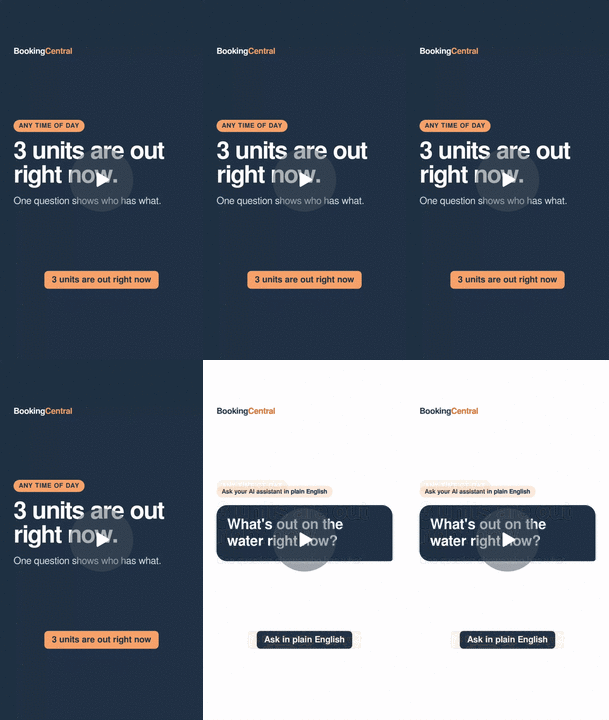
1. "What's out right now?"
Get a live snapshot of your whole fleet: how many units are available, how many are out on a rental, and when each one is due back. It covers every location in one answer, so you don't have to check each one separately. It's a quick way to use the fleet management data you already keep in BookingCentral.
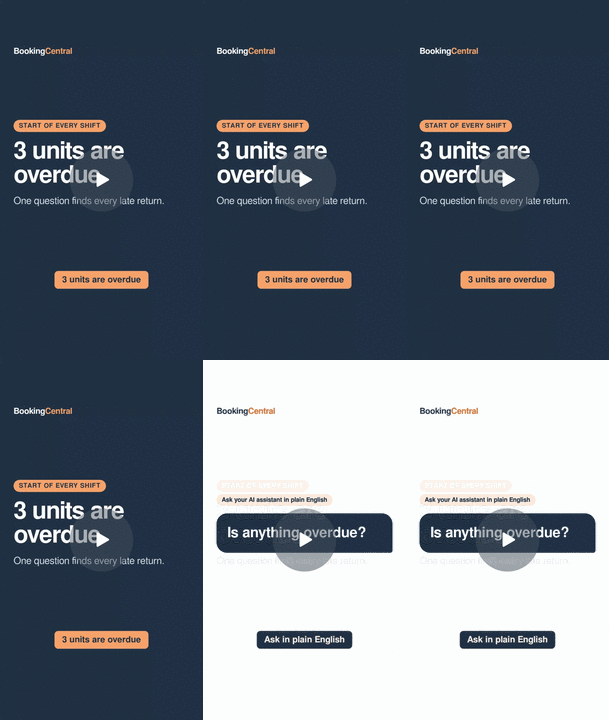
2. "Is anything overdue?"
The assistant lists every unit that's past its return time, along with the order code and how late it is. Example: "Golf Cart #1 was due back last night at 8:00 PM." That's usually enough to know who to call before your next customer shows up.
3. "What needs maintenance?"
See every unit with an open issue or damage report. Just as important, the assistant can point out units that have an open issue but are still available to book, so you catch the problem before the boat goes back on the water.

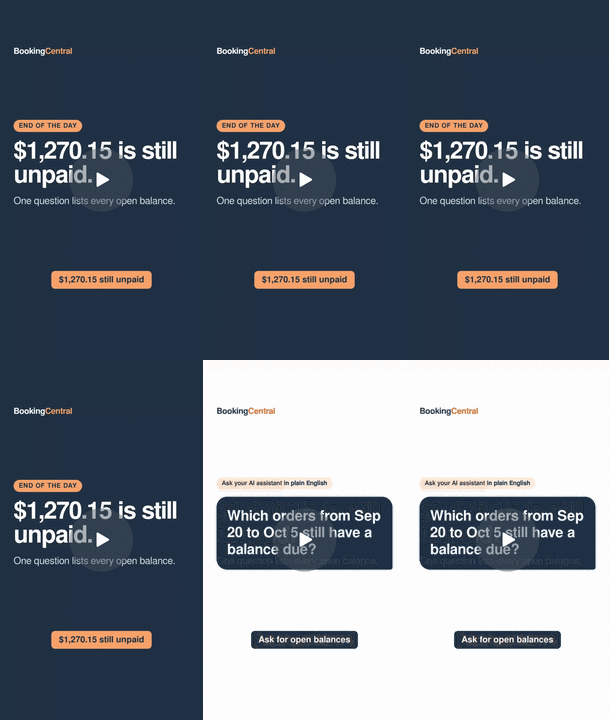
4. "Who still owes us money?"
Instead of scanning orders one by one, ask for every booking with a balance due. You can ask the reverse too: which orders were overpaid and are waiting on a refund. It's one question for a job that usually takes a spreadsheet.
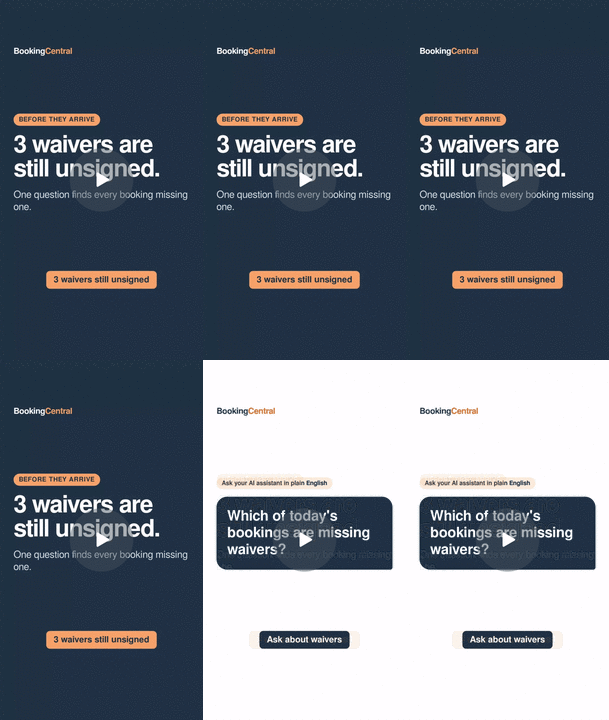
5. "Which bookings are missing waivers?"
If you use Digital Documents and tags in BookingCentral, the assistant can find bookings still marked as missing a waiver. Ask a day or two ahead and you'll know who to text before they arrive.
6. "Pull up customer's booking."
When a customer calls, ask for their booking by name, phone number, email or order code. In one reply you'll see what they booked, the dates, the number of guests, what they've paid and whether they've checked in, with no clicking around while they wait on the line.

Get a daily brief without asking
You don't have to remember to ask. In Claude, you can set up a scheduled task that runs the same questions every morning and sends you the answers.
For example: "Every morning at 7, check BookingCentral and send me what's overdue, anything with open issues, and who owes us money."
From then on, you start each day with a short brief on your phone covering overdue returns, boats to check before they go out, and money due. You know what needs attention before you get to the dock.
Is my BookingCentral data safe?
A few things are worth knowing:
- It's read-only. The AI can look up information but can't change bookings, payments or settings in BookingCentral.
- You sign in with your BookingCentral account. The connector only works for accounts you're allowed to access.
- You choose the AI assistant. You decide which assistant to connect, and you can disconnect it whenever you want from that assistant's settings.
For important decisions like refunds, it's still a good habit to double-check the numbers in BookingCentral before acting.
How to get started
- Have a BookingCentral account. Not a customer yet? Talk to our team.
- Add the BookingCentral AI Connector in your AI assistant. You'll find it in Claude or ChatGPT under connector or app settings.
- Sign in with your BookingCentral login to link your account.
- Ask your first question. "What's out right now?" is a good place to start.
If you'd like help setting it up, our US-based support team can walk you through it.
Tips for getting better answers
- Be specific about dates and locations. "What's going out Saturday at the marina?" works better than "What's happening this weekend?"
- Ask follow-up questions. After "What's overdue?", try "Pull up that golf cart booking" and the assistant will pick up where you left off.
- Save the questions you ask most often and turn them into a daily or weekly brief.
New to using AI in your business? Our guide on how boat rental operators can actually use AI covers more ideas.
Frequently asked questions
What is an AI connector for rental software?
An AI connector links your rental booking software to an AI assistant so you can ask questions about your business in plain English. The BookingCentral AI Connector lets assistants like Claude and ChatGPT read your fleet, order and customer data and answer questions about it.
Does the BookingCentral AI Connector work with ChatGPT?
Yes. It works with both ChatGPT and Claude, with other AI assistants coming soon.
Can the AI change or cancel my bookings?
No. The connector is read-only. The AI can look up information in BookingCentral but can't create, edit or cancel bookings, payments or settings.
What is MCP?
MCP stands for Model Context Protocol. It's an open standard that lets AI assistants securely connect to outside tools and data. The BookingCentral AI Connector is built on MCP.
Do I need to be technical to use it?
No. If you can type a question, you can use it. Setup takes a few minutes, and our support team can help.
What types of rental businesses can use it?
Any business running on BookingCentral, including boat and pontoon rentals, jet ski and watersports, RV rentals, golf cart rentals, powersports, and tours and charters.
Want to see the BookingCentral AI Connector with your own fleet in mind? Book a demo and we'll show you how it works.